
Tokitsuzu
iPhone app
Quick notes, photos & memories
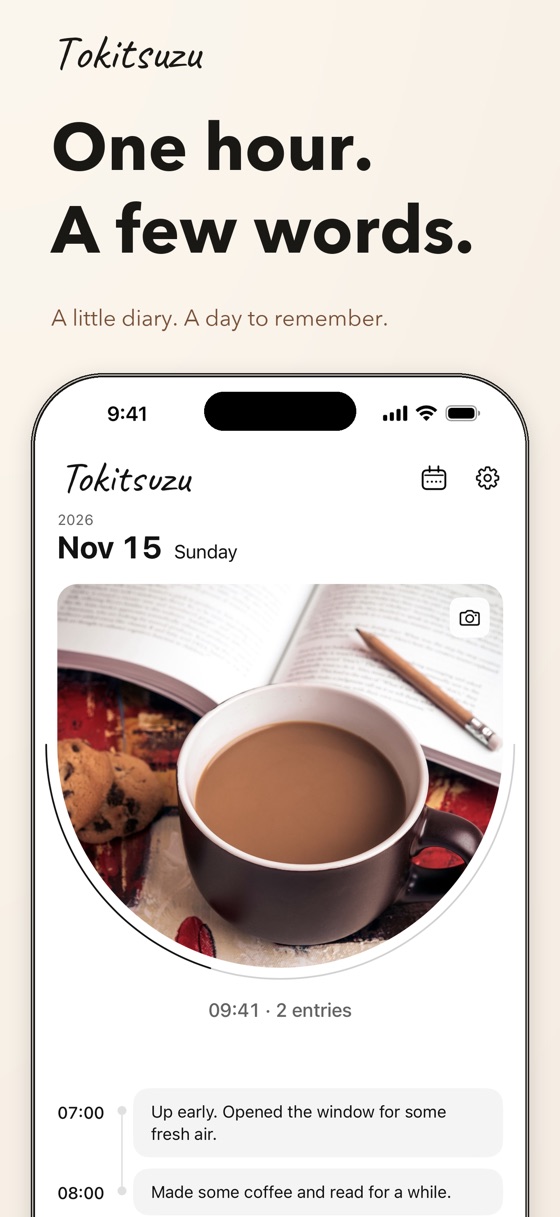
Tokitsuzu is an iPhone diary that asks for just a few words about each hour. You don’t have to write at length; one sentence about what you were doing is enough.
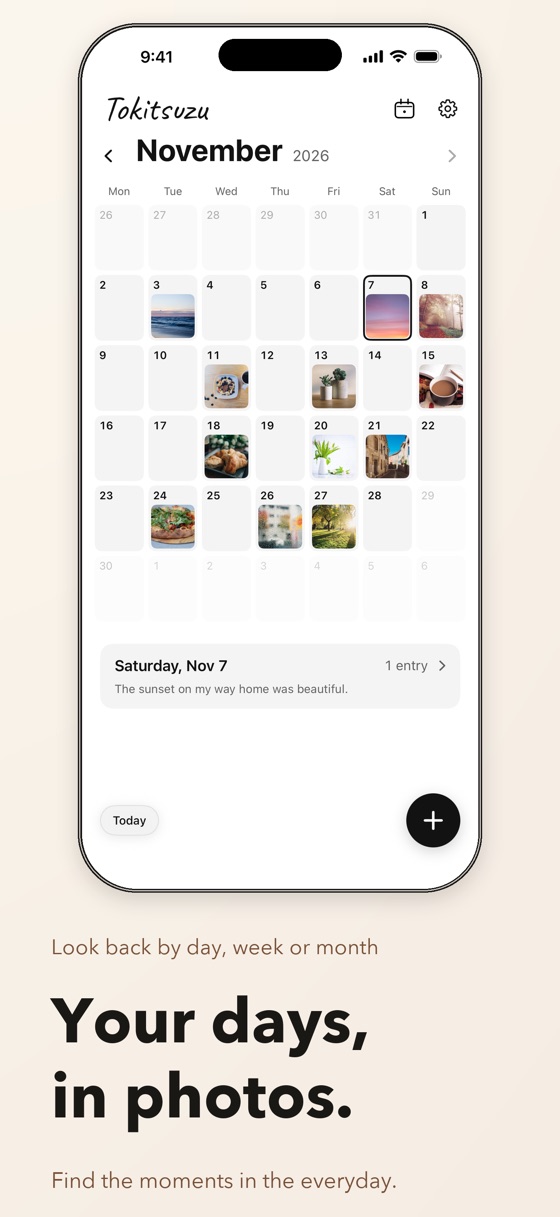
Look back on what you wrote by day, week, and month, with one photo for each day.
Screenshots
6 screens
About the app
A sentence at a time, and the day takes shape.
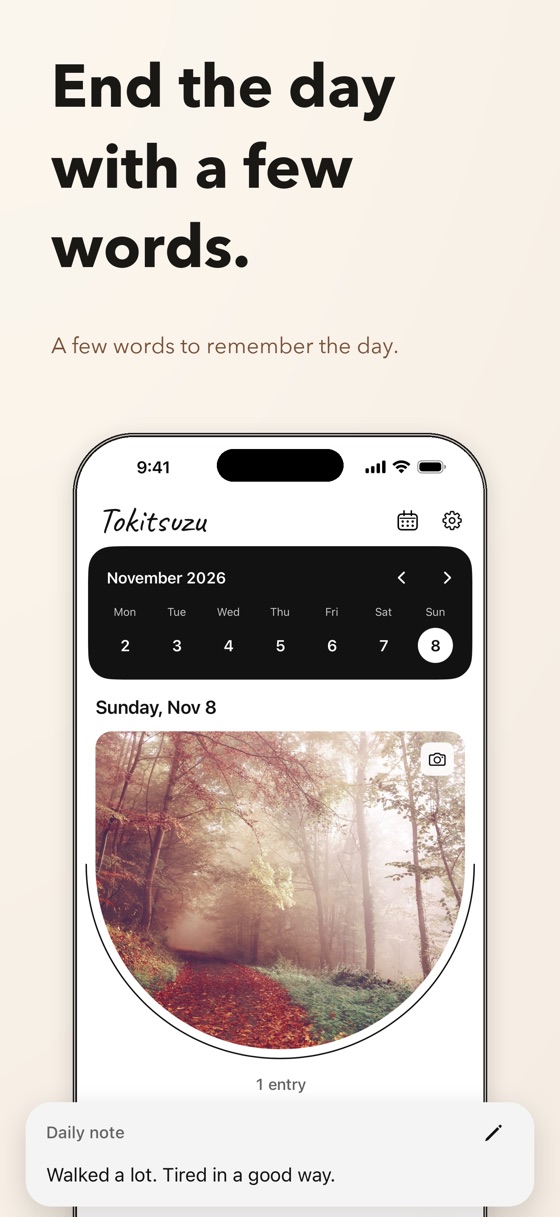
Pick an hour and write a short entry. You can go back and add entries for earlier hours. Apart from the hourly entries, you can sum up the day in a Daily note.
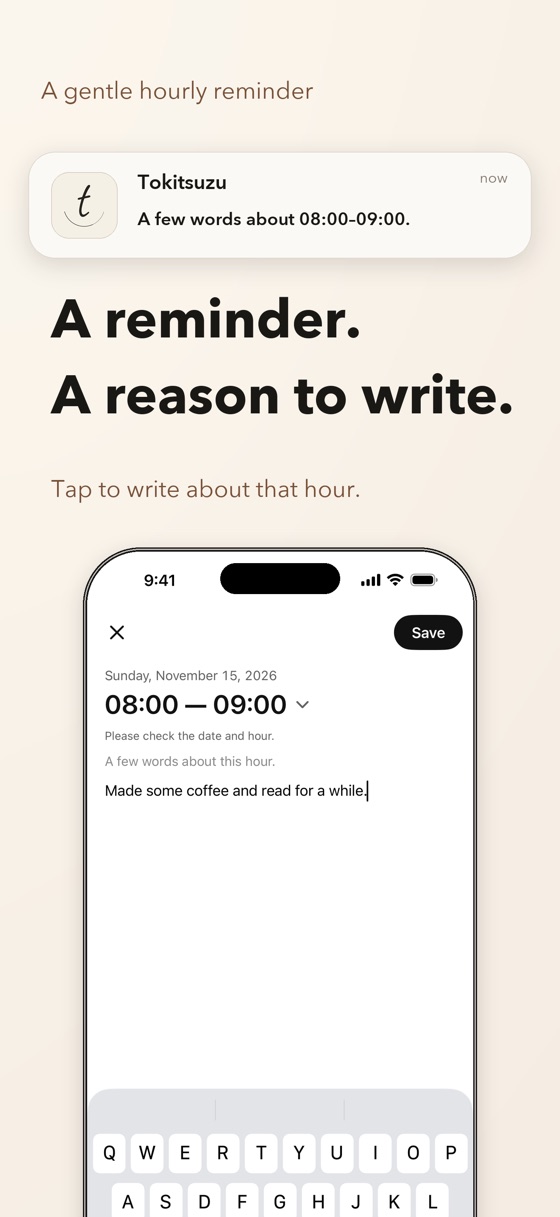
Hourly notifications during your waking hours give you a moment to write. Nothing is sent during the sleep hours you set.
- 01
A few words every hour
Pick an hour and write a short entry. A single sentence is enough. Sum up the whole day in the Daily note.
- 02
Photos, by day, week, and month
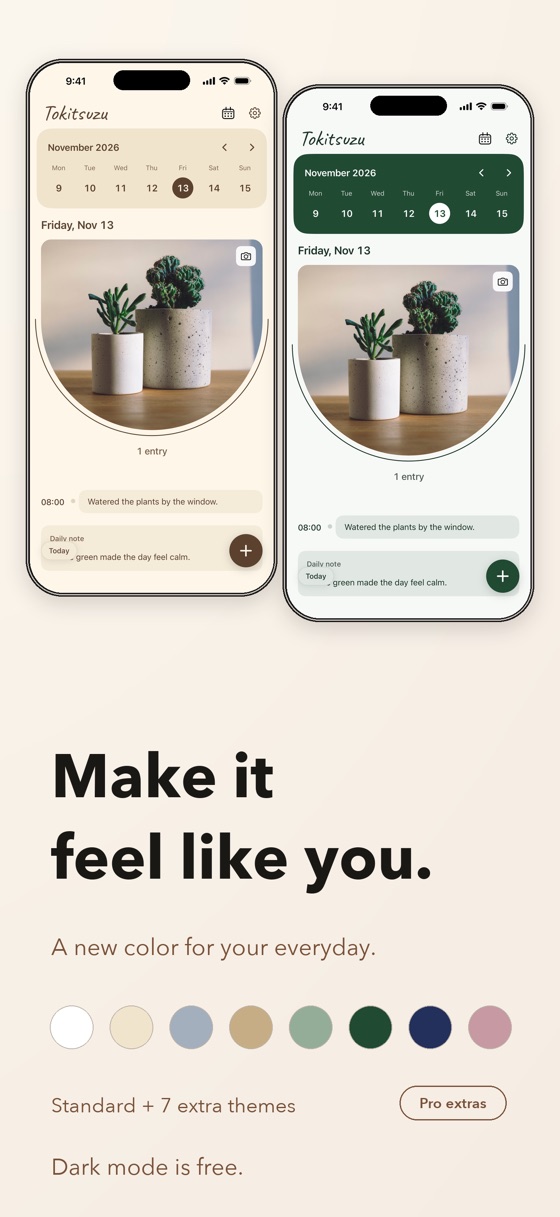
Add one photo for each day. Switch between Day, Week, and Month with the icon at the top right. A thin arc shows how far the day has come, and Month view shows your photos as small thumbnails.
- 03
Reminders only while you’re awake
Get a notification every hour outside your sleep hours. Opening one takes you to the entry for that hour. Notifications are optional, and you can turn them off in Settings at any time.
Tokitsuzu Pro
Hourly entries, the Daily note, one photo per day, the Day, Week, and Month views, notifications, and creating and restoring backups are all free. So is switching between light and dark appearance.
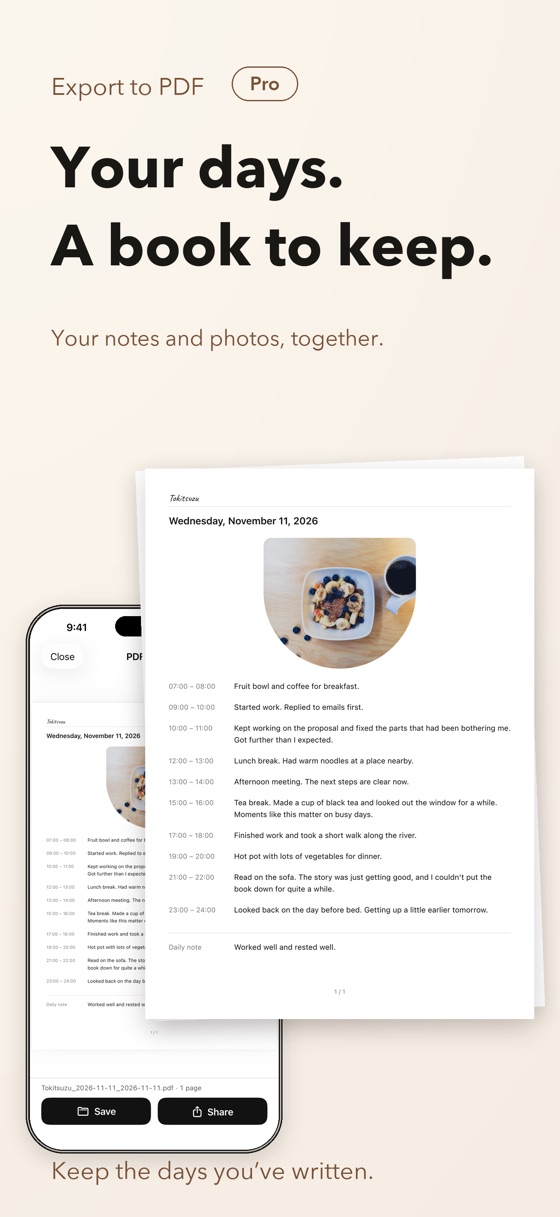
Tokitsuzu Pro is a one-time purchase. It adds seven more themes (Cream, Mist, Ecru, Sage, Forest, Indigo, and Rose) and PDF export, which puts the entries and photos from a period you choose into one PDF. There is no auto-renewal.
In Japan the planned price is ¥800 (tax included); please check the actual price in the App Store purchase screen.
Requirements
- iPhone (iOS 18 or later)
- Japanese and English
Your data
Your entries, Daily notes, photos and settings are stored on your iPhone. No account is needed. Nothing is sent to the developer’s servers, and there are no ads or usage analytics.
A backup puts your entries, photos and settings into one file and saves it where you choose in the Files app. Backups are not encrypted, so please take care where you keep them. See the privacy policy for details.
Support
Contact
Email tokitsuzu@takurokoyanagi.com.
Please include your iOS version and the steps that led to the problem. There’s no need to send your entries or photos. Replies may take some time.
FAQ
I don’t get notifications.
Check that notifications are allowed for Tokitsuzu in the iPhone Settings app (Settings → Notifications → Tokitsuzu) and that “Receive notifications” is on in the app’s Settings (the gear icon). No notifications are sent during your sleep hours. If the app isn’t opened for a long time, notifications for some hours may stop; opening the app schedules them again.
A notification opened an entry for a different day.
If a notification arrives late, the date and hour on the entry screen may differ from the original time. Check the notice on the screen and pick the hour again with the hour button.
Can I move my diary to a new iPhone?
Yes. On the old iPhone, open Settings → Data → “Create Backup” and save the file to iCloud Drive or another location. On the new iPhone, choose Settings → Data → “Restore from Backup” and pick that file. Restoring replaces the current entries with the contents of the backup.
I bought Tokitsuzu Pro, but the themes and PDF export aren’t available.
Make sure you’re signed in with the same Apple Account you used to buy it, then tap “Restore Purchases” at the top right of the Tokitsuzu Pro screen.
Where are my photos stored?
The photo you pick is scaled down and copied into the app. The original in your photo library is never changed.
Can I use it in Japanese?
Yes. If your iPhone is set to Japanese, the app is shown in Japanese. To switch only this app, choose 日本語 under Settings → Apps → Tokitsuzu → Language on your iPhone. The Language option appears when your iPhone has two or more languages added (Settings → General → Language & Region). Your entries and settings are kept.
How do I erase everything?
Deleting the app removes all entries, photos and settings stored in it. Backups and PDFs you saved elsewhere remain. After reinstalling, you can bring Tokitsuzu Pro back with “Restore Purchases”.
Terms of use
Tokitsuzu is licensed under Apple’s standard Licensed Application End User License Agreement.